How to Ask for Marketing Consent in Your Quiz
A quiz is one of the best places to collect marketing consent, because the shopper is engaged and getting something in return. Ask the wrong way and you spike drop-off; ask the right way and you build a compliant, high-quality list. It comes down to three decisions: when you ask, whether you require it, and how you word it.
In 2026 this matters more than it used to. Privacy enforcement under GDPR and CCPA keeps tightening, and as third-party cookies disappear, the consented data a quiz collects becomes your most durable marketing asset. Treat the consent step as part of the value exchange, not a legal formality.
When to ask
The consent ask should feel like a natural step in the quiz, not a popup bolted onto it. Two moments work, and the right one depends on what you sell.
| Ask the email | Effect | Best for |
|---|---|---|
| Before the quiz starts | Lower completion, but higher-intent leads | Luxury and high-consideration products |
| At the end, before results | Higher completion and conversions, since the shopper is already invested | Lower-priced items and routines |
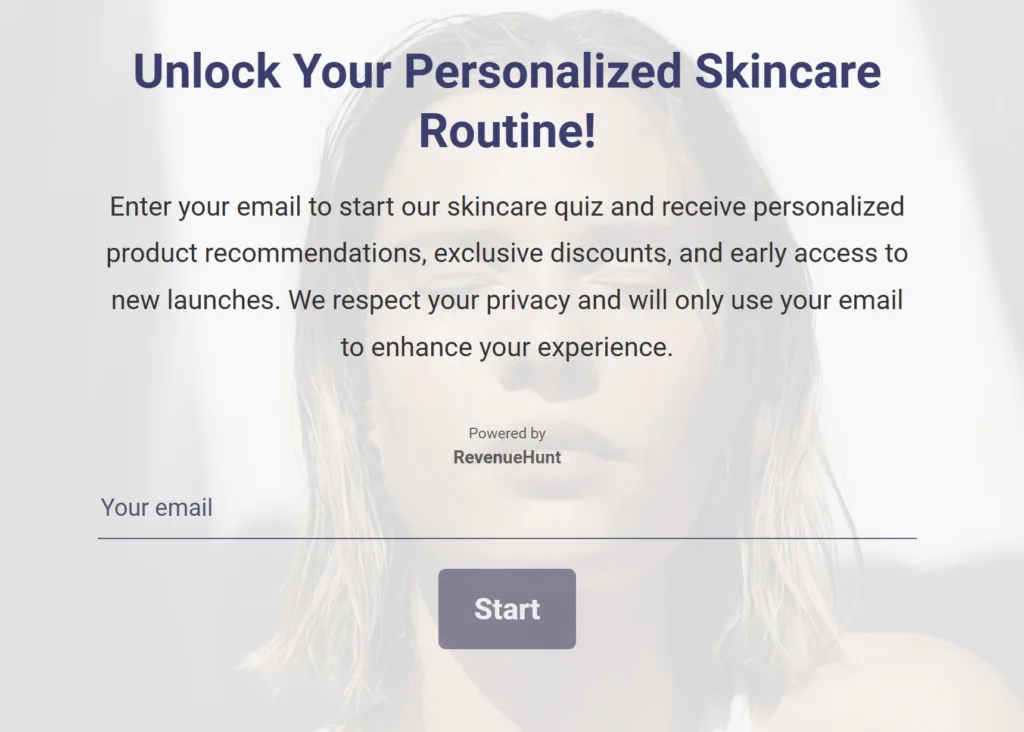
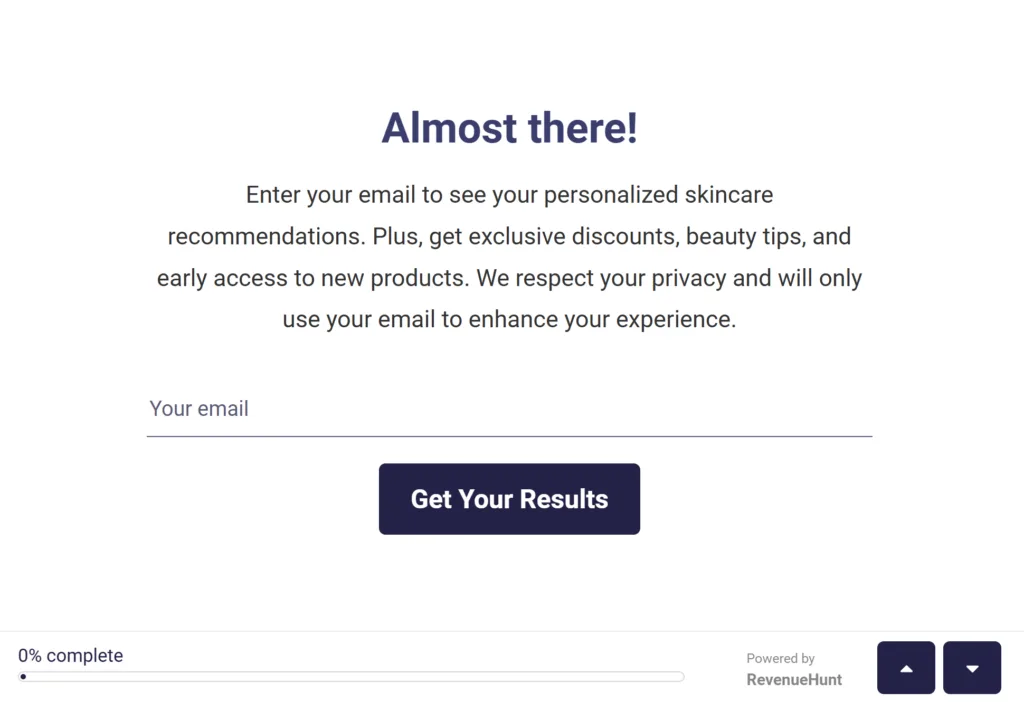
Asking in the middle of the quiz is the one option to avoid. It interrupts the flow and spikes drop-off without either benefit.
Required or optional
Whether the email or phone question is mandatory has a big effect on both drop-off and lead quality.
Require it by default. Among top-converting quizzes that collect email, 75% make it required, and it does not hurt completion. A shopper who reached the email step is engaged enough to trade an address for a personalized result. Requiring it also filters out the least-interested and gives you a contactable lead from every finisher.
Make it optional only when completion is the priority. An optional question feels friendlier and lifts completion, at the cost of collecting fewer (and sometimes lower-quality) contacts. It suits inexpensive, impulse purchases, and works best paired with a strong incentive to opt in anyway.
How to make a question required or optional
Set any question mandatory or optional in Question settings.
How to ask
Once you've settled when and whether, a few wording and design choices decide how many people actually say yes.
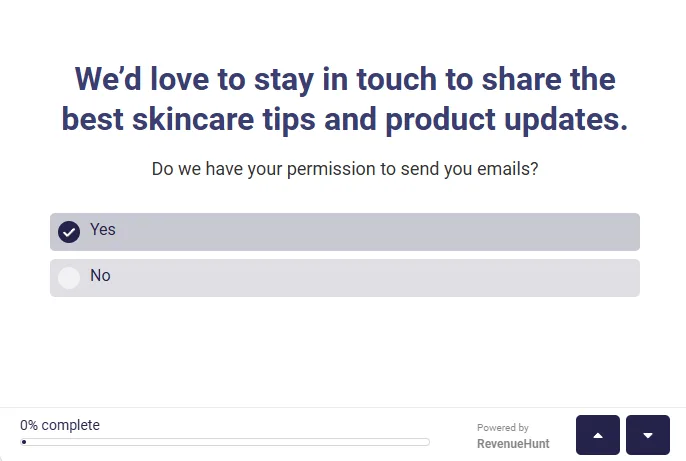
Keep the wording plain and benefit-led. Drop the legal jargon and ask a simple yes/no question framed around what the shopper gets. A GDPR or Yes/No question type makes this easy.
Wording that converts
"We'd love to send you the best skincare tips and a 10% welcome offer. Okay to email you?" reads far better than a blunt "Do you consent to receive marketing communications?"
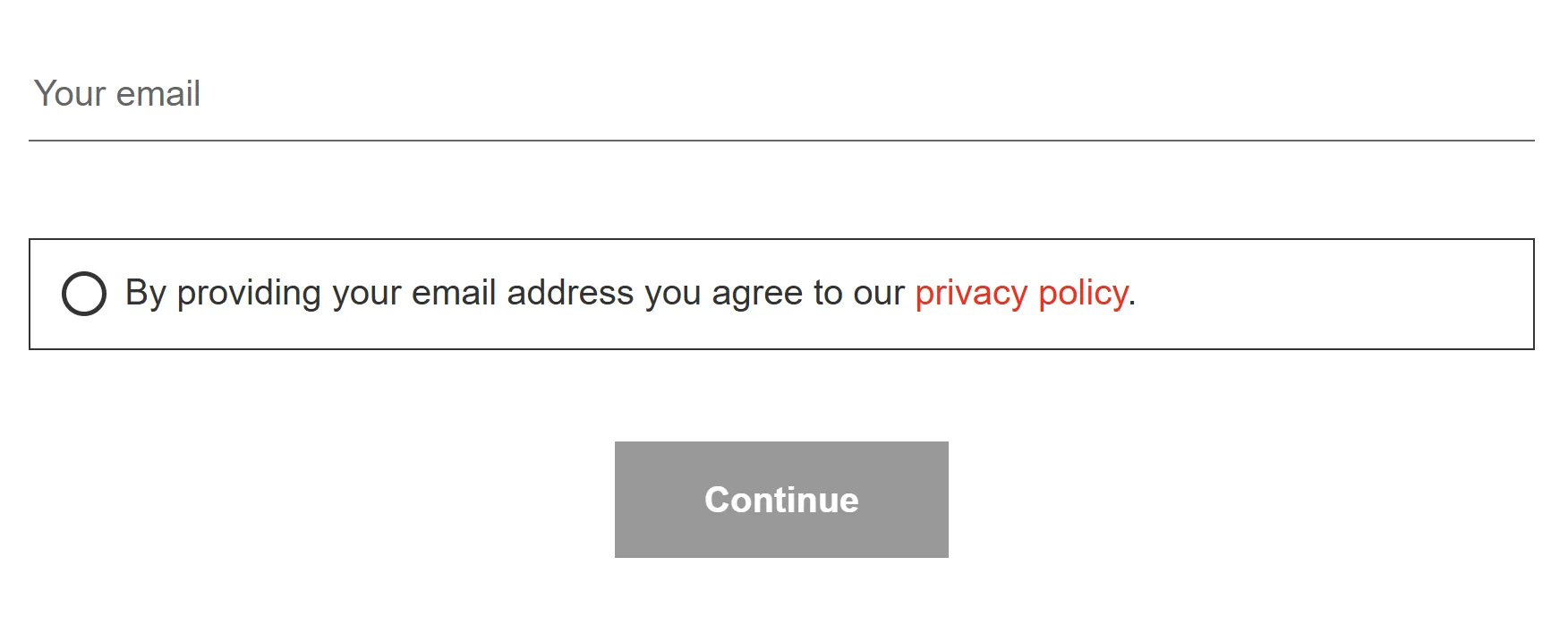
Link your privacy policy. A visible privacy link reassures shoppers that their data is handled responsibly, and you can link it from any text element in the quiz. Something as simple as "By sharing your email you agree to our privacy policy" is enough.
Design for mobile. Most shoppers answer on a phone, so use large, tappable checkboxes or toggles, and place the ask at a natural point in the flow rather than crammed between questions.
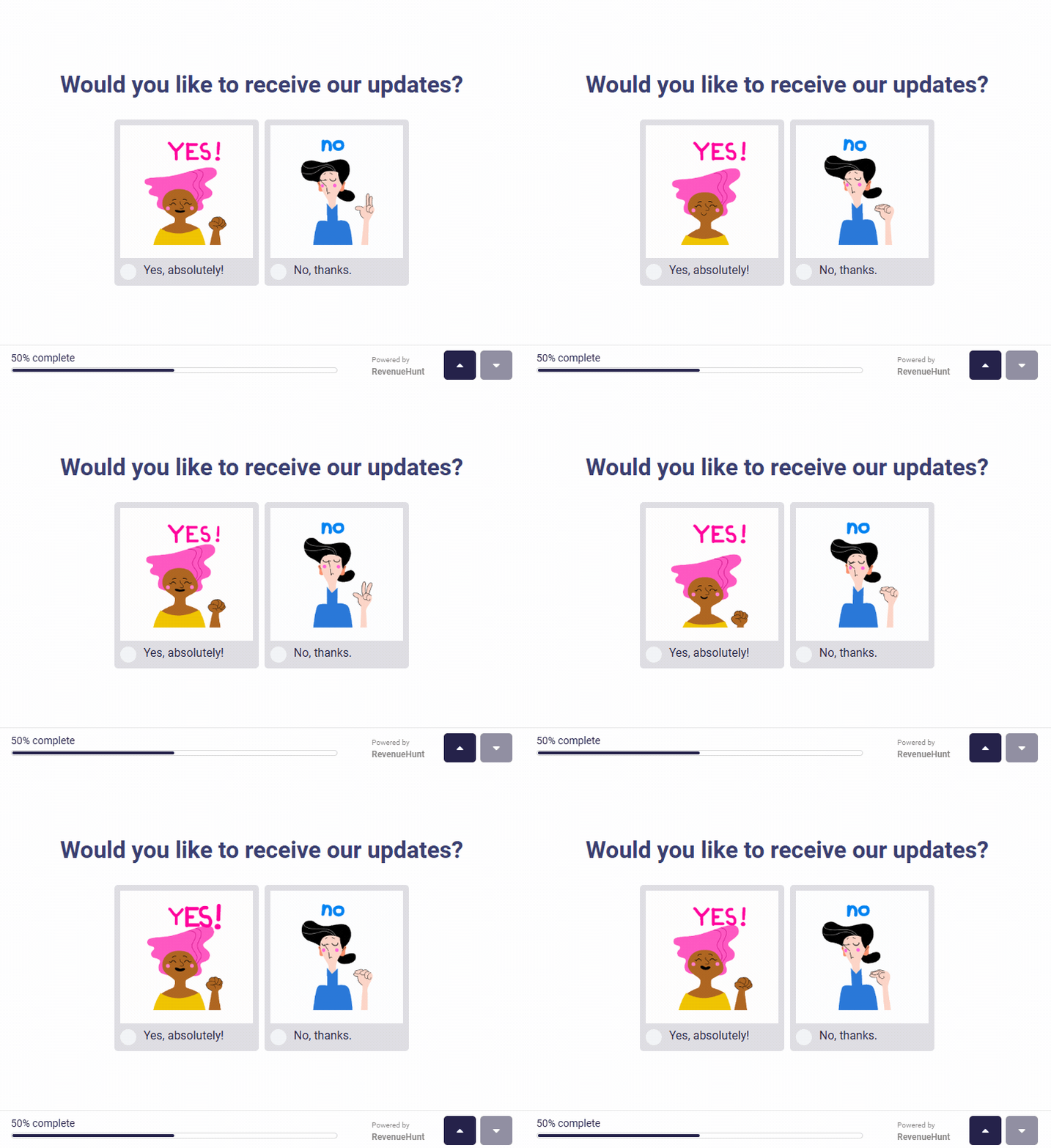
Always offer a clear opt-out, and mean it. Tell shoppers they still get their results whether or not they subscribe. Trust earns more long-term consent than pressure does.
Reassure on the opt-out
"You can unsubscribe anytime, and you'll still get your full recommendations even if you'd rather not subscribe."
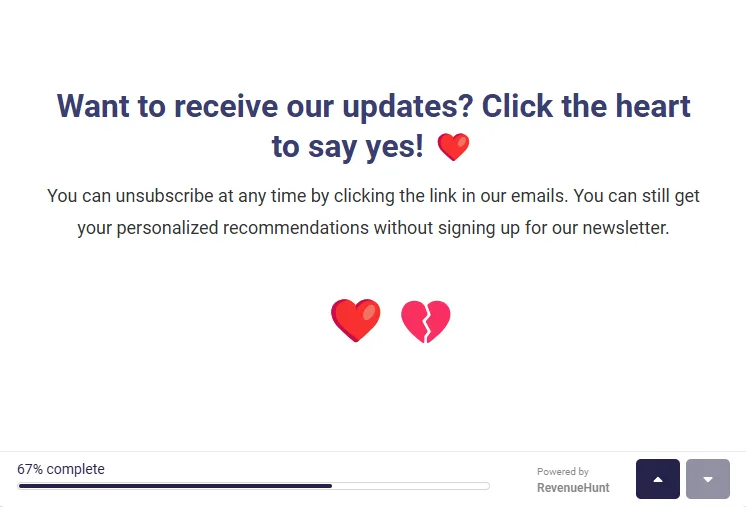
Reward the opt-in. A discount or free sample in exchange for consent lifts both your opt-in rate and your completion rate, because the reward gives shoppers a reason to finish.
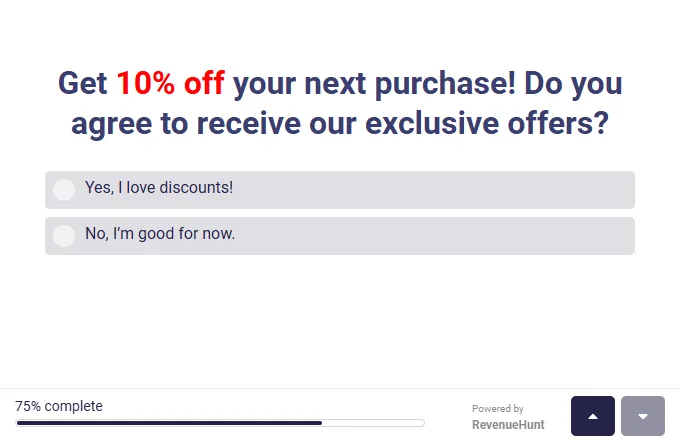
How to add a discount
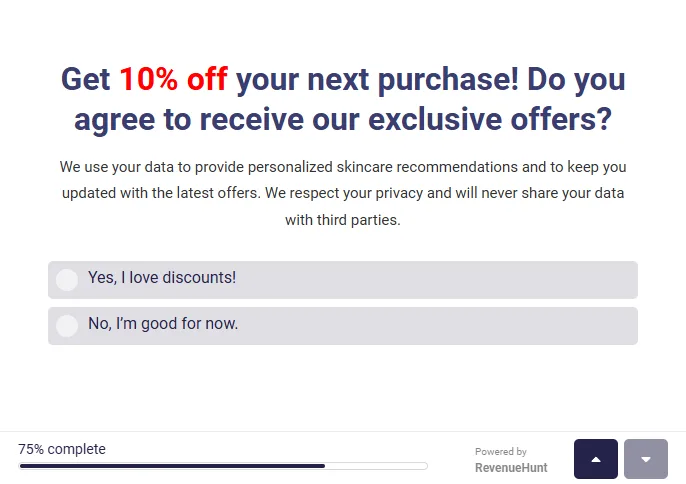
Be transparent about what you'll use the data for. A single line explaining the why measurably reduces hesitation, especially in privacy-conscious markets. Something like "we use your answers to personalize your recommendations and send the occasional update, and we never share your data" does the job.
Whichever choices you make, the email you capture doesn't arrive alone. It lands in your CRM attached to the shopper's quiz answers and customer tags, which is what powers segmented follow-up. Segmented campaigns earn far more per recipient than generic sends, and about 1 in 5 quiz orders land more than 30 days after the quiz, so the consent moment is really where that long revenue tail begins.
Treat SMS consent separately
Phone and SMS consent carry stricter rules than email under regulations like the TCPA, so ask for it explicitly rather than bundling it into a single checkbox. For the full setup, including the marketing checkmark, see how to ask for marketing consent.
Do / Don't
- Do weave the consent ask into the quiz flow at a natural step, never as a standalone popup.
- Do ask at the end in most cases, where the shopper is invested and completion stays high.
- Do require the email as your default. Across top-converting quizzes 75% require it and it does not hurt completion.
- Do pair the ask with a clear benefit and a reassurance ("get your results and a discount, no spam, unsubscribe anytime").
- Don't ask for contact data mid-quiz. It only spikes drop-off.
- Don't ask up front unless you sell high-consideration or luxury items and deliberately want to filter for intent.
Frequently asked questions
When should I ask for marketing consent?
At the end of the quiz in most cases, where the shopper is invested and completion stays high. Ask before the quiz only for luxury or high-consideration items, where filtering for intent is worth the lower completion. Never mid-quiz.
Should the email be required or optional?
Required is the data-backed default: 75% of top-converting quizzes that collect email require it, and it does not hurt completion. Offer a skip only if it genuinely fits your brand.
How do I stay GDPR and CCPA compliant?
GDPR asks that consent be freely given, specific, informed, and unambiguous. A clearly worded yes/no question, a privacy-policy link, and an easy opt-out satisfy that, and the GDPR/Yes-No question type is built for it. For EU markets, pair it with Shopify Markets so the consent question renders in the shopper's language. Treat SMS consent as a separate, explicit opt-in.
What if a shopper opts out but still finishes the quiz?
They still see their recommendation. The opt-out applies to your marketing emails, not the quiz result: the response is captured and the recommendation is shown, but no marketing follow-up is triggered.
This article covers the strategy. For the click-by-click setup, see how to ask for marketing consent.