How to Recommend Products Based on Numerical Inputs
A quiz cannot link a recommendation to a number the customer types. Ask for a range instead of a figure, and the answers become finite enough to carry products.
The walkthrough shows the Built for Shopify version of the app.
Why an open-ended number does not work
A Number or Date question lets the customer enter any value at all. There is no answer to attach a product to.
"What is your age?" and "How big is your room?" look like useful questions. Because the customer can type any figure, neither one can drive a recommendation.
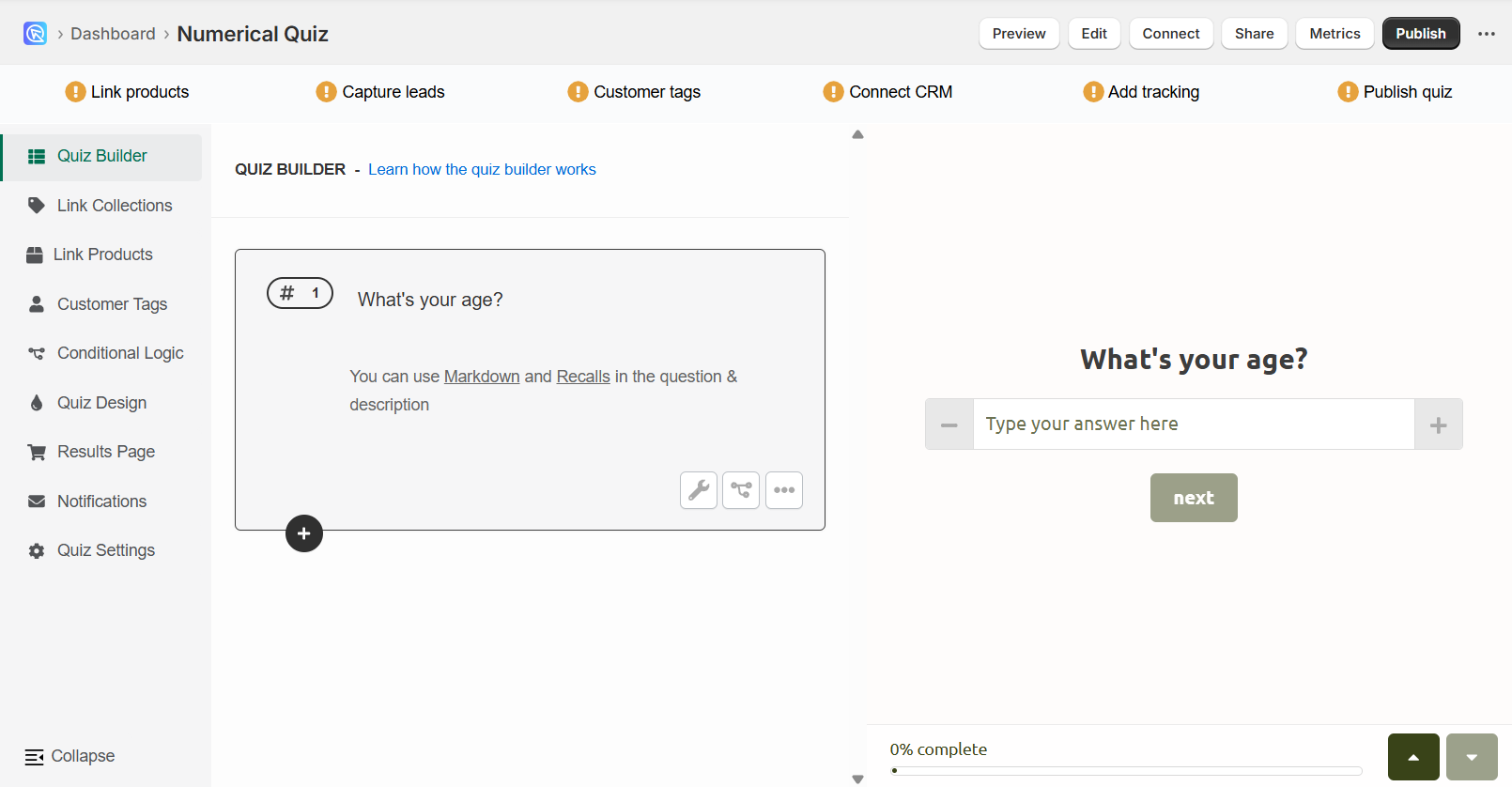
Use finite choices instead
Ask the same thing with a multiple-choice, dropdown or slider question. Offer ranges, or a fixed set of values, so that every answer is one you can link products to.
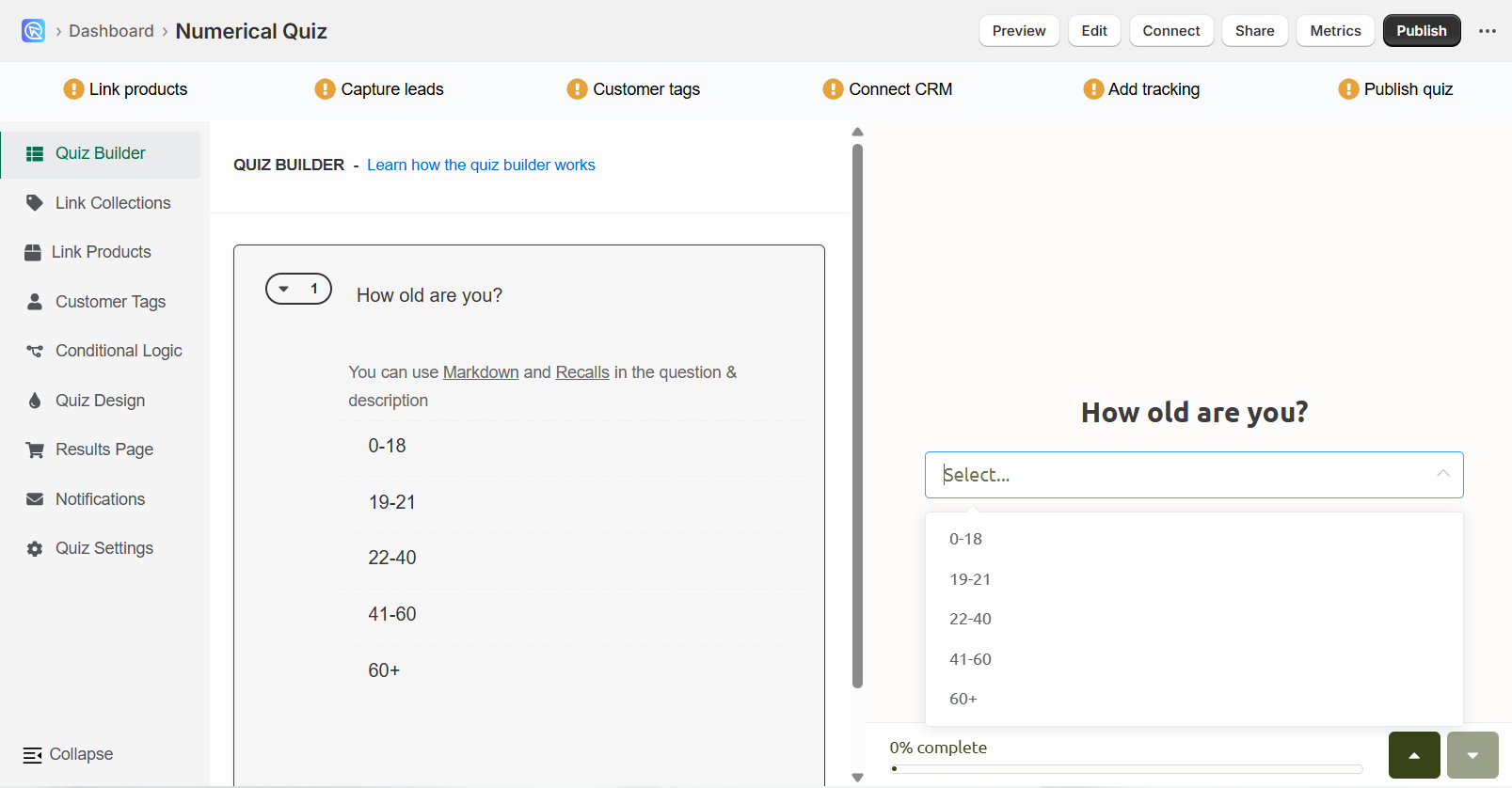
Age ranges
Change "What is your age?" from an input field to a dropdown with these choices:
- Under 20
- 21-30
- 31-40
- Over 40
Year of birth
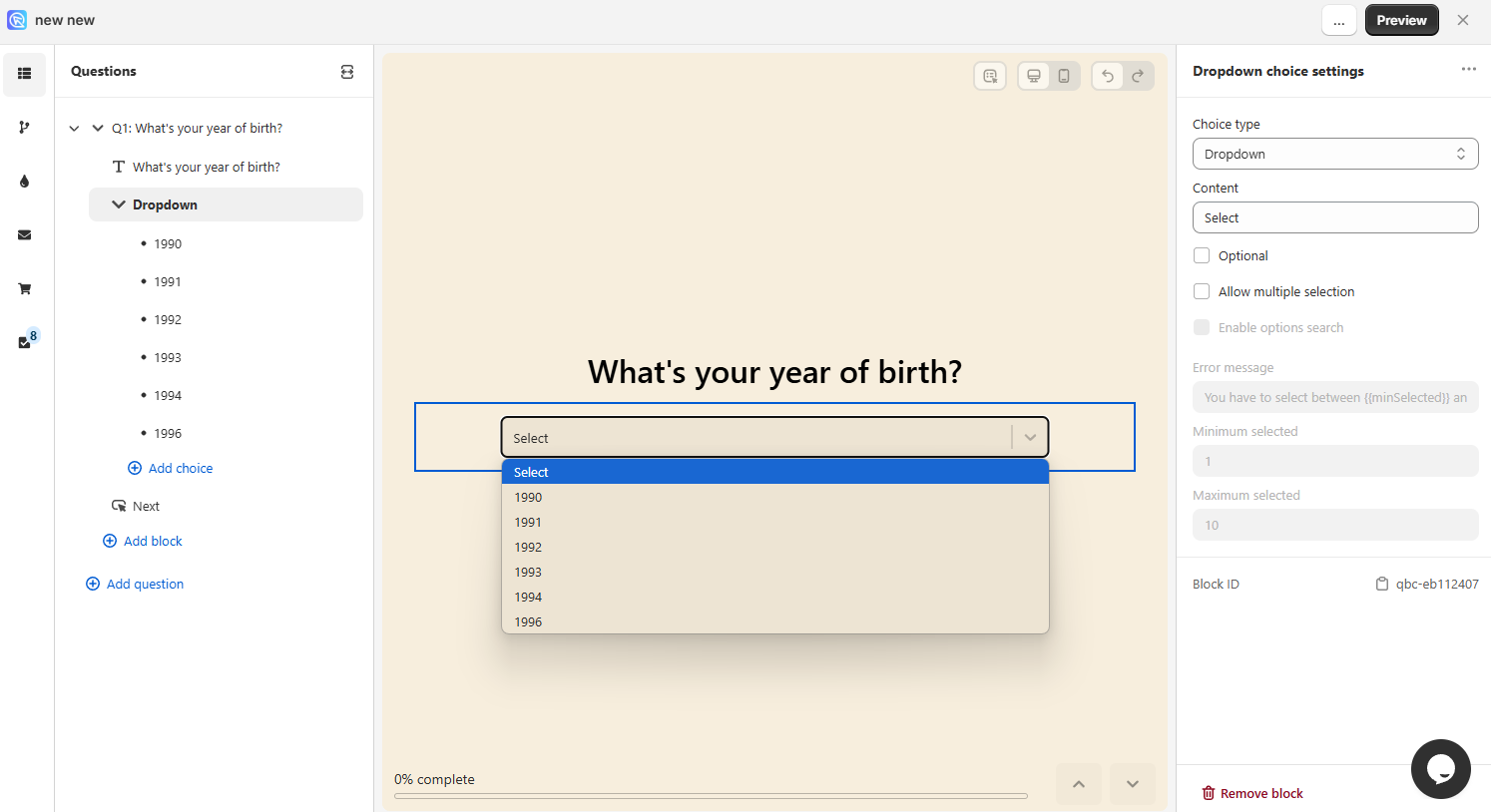
Where the exact value matters, list the values themselves. Change "What is your year of birth?" from an input field to a dropdown with one choice per year:
- 1990
- 1991
- 1992
- 1993
- 1994
- 1995
- 1996
Once the answers are finite, you can:
- Upvote products, variants or collections from each choice
- Switch the question between dropdown, multiple-choice and slider in the Block settings
- Edit the labels in the Choice settings
- Set up Jump Logic or Display Logic from the customer's answer
Quiz Copilot can suggest the ranges
In the Built for Shopify version, Quiz Copilot turns a broad question such as "What is your room size?" into ranges for you. It also suggests the follow-up questions to go with them.
For room size, that might be:
- Less than 50 sq ft
- 51-100 sq ft
- 101-150 sq ft
- More than 150 sq ft
Custom calculations
The app cannot calculate a result from a number on its own. A quiz that works out a BMI, a dosage or any other figure needs custom JavaScript and a developer.
The script reads the quiz answers, works the result out in JavaScript, then writes it into an HTML element on the results page.
How to add JavaScript to the quiz has a worked BMI calculator.
This article explains how to recommend products based on numerical inputs in your quiz.